 Adios
Adios Mac · Safari · macOS 13+
YouTube ads, gone.
In Safari, on your Mac.
I got tired of sitting through two ads to watch a three-minute video, so I built this for my own Mac. It turns out a lot of people wanted the same thing.
30 videos a month free, no account. $4.99 once for unlimited.
What it does
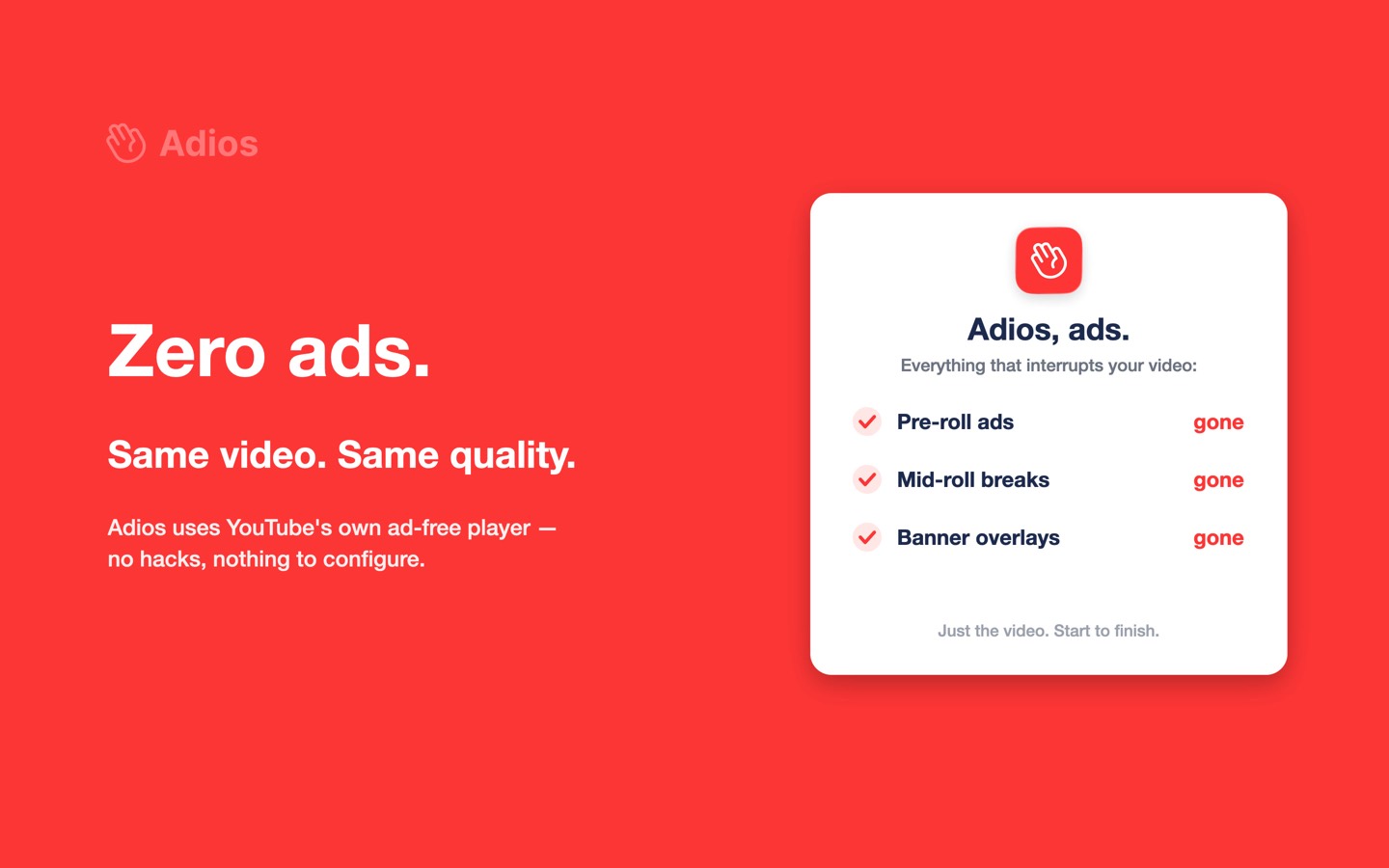
Open a video. It plays. That's the whole experience — no pre-roll, no mid-roll interruption, no banner sliding over the bottom of the picture.
The trick isn't blocking. Adios swaps in YouTube's own embed player, the one YouTube gives to any website that wants to show a video. That player doesn't run ads, and it never has. Same video, same quality, same controls you already know.
Set it once
Flip it to Auto and forget it exists. Every video just plays.
Nothing phones home
No account, no analytics, no server of mine anywhere in the picture.
Under 1 MB
A tiny Mac app with a tiny extension inside. No background daemon.
What it costs
Free
forever
- 30 ad-free videos a month
- Resets on the 1st
- No account, no card
- Every feature
Lifetime
one payment
- Unlimited videos, for good
- Works on every Mac you sign in with
- One App Store purchase
YouTube Premium is $13.99 a month. I'm not going to pretend Adios competes with it: Premium gets you downloads, background play on your phone, and YouTube Music, and it pays the creators you watch. But if all you want is the ads gone while you're at your Mac, you shouldn't have to rent that. The full comparison is here, including the parts where Premium wins.
Getting it running
About a minute, and most of it is Safari asking for permission.
Install it
Free download from the Mac App Store. Open it once and it'll walk you through the next two steps with a checklist that ticks itself off.
Turn it on in Safari
Safari → Settings (⌘,) → Extensions → tick Adios.
Allow it on YouTube
Open a video, click the Adios icon next to the address bar, pick “Always Allow on Every Website”. Safari insists on this for every extension.
Screenshots for each step, if you'd rather see them. If something doesn't tick off, the FAQ covers every cause worth checking.
Free · macOS 13 or later · Safari
What it won't do
Worth knowing before you install, so nobody's disappointed:
- Safari on a Mac only. Not Chrome, Firefox, Edge, Brave or Arc, and not Windows.
- No iPhone or iPad version.
- Regular watch pages only. Shorts and live streams aren't covered.
- Only YouTube. It's not a general ad blocker and it doesn't touch trackers — keep a content blocker for the rest of the web.
A few things people ask first
Is it free?
You get 30 ad-free videos a month, free, with no account and no card. The counter resets on the 1st. If 30 a month is enough for you, that's the whole story — you never pay anything. Unlimited is $4.99, once.
Does it work in Chrome?
No. It's a Safari extension, so Safari on a Mac only — macOS 13 or later. Not Chrome, not Firefox, not Arc, not Windows. If you want ad-free YouTube in Chrome, uBlock Origin is the answer and it's free.
What about iPhone?
Not yet. Adios is a Mac app. iOS Safari does support extensions, so it's possible, but I haven't built it.
Will YouTube break it?
Maybe, someday. But Adios doesn't block anything, so there's nothing for YouTube's ad-blocker detection to find: it plays a player YouTube itself hands out. That's a far more stable place to stand than a filter list that breaks every time a CSS class gets renamed. I can't promise forever, and I won't pretend to.
What do you collect?
Nothing. There's no account, no analytics, and no server — I don't run one. Your settings and your video count sit on your Mac and stay there.
Do the comments and everything still work?
Yes. Only the player changes. You're still on the normal YouTube page, so the description, comments and recommendations are all where you left them.
Who made it
One person, on their own, starting with their own Mac. There's no company here and no investor — the $4.99 is what pays for keeping it working. Write to adios.contact@pm.me and you'll get me, usually the same day. A bit more about that.
Last updated: 2026-09-17 · Adios 1.3